
Latest Articles
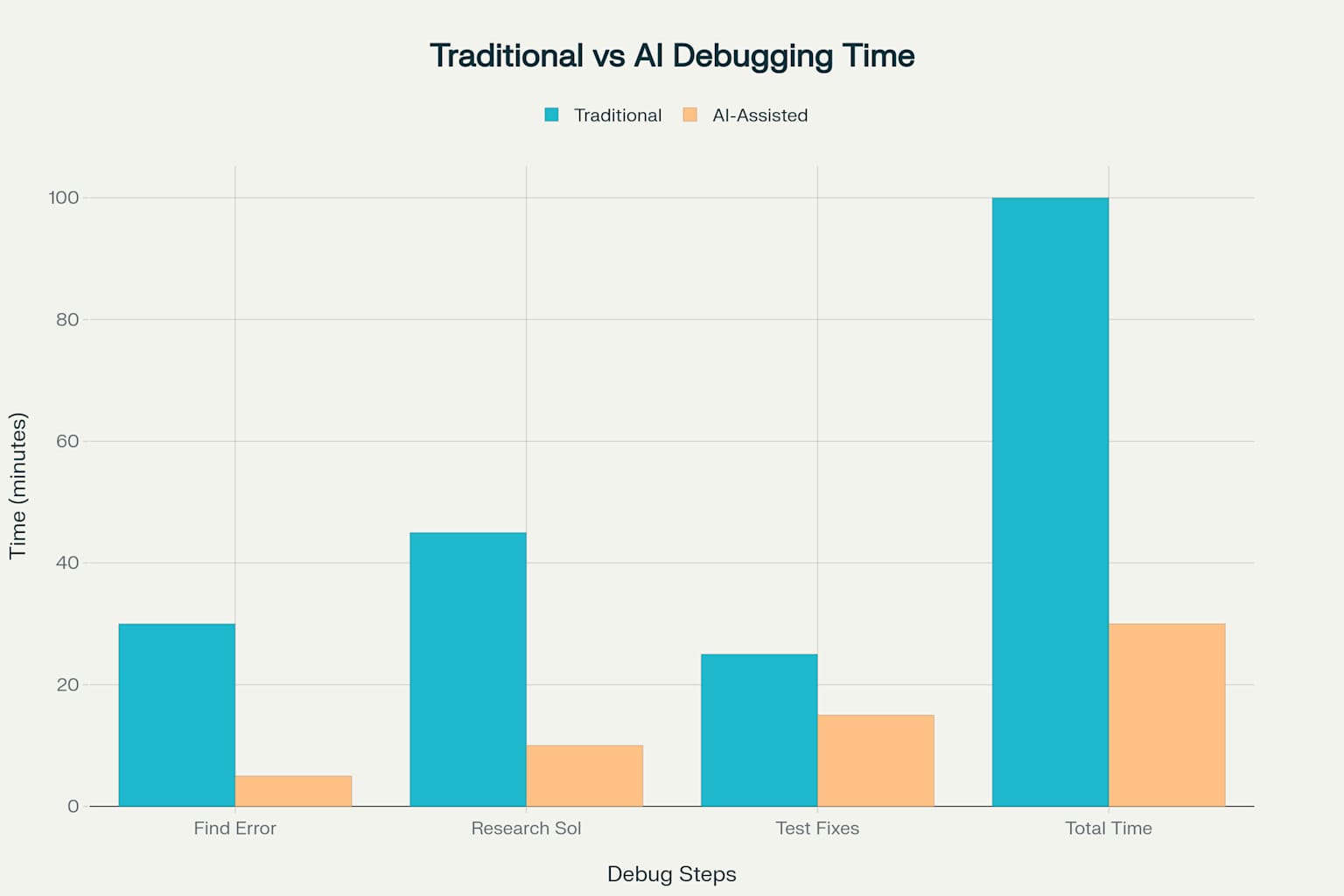
The AI Debugging Paradox: Why Coding Assistants Increase Debugging Time by 20%
Research from METR and Microsoft reveals AI coding assistants make you faster at writing code but 20% slower at debugging. We analyzed the studies and explain why runtime context is the missing piece.
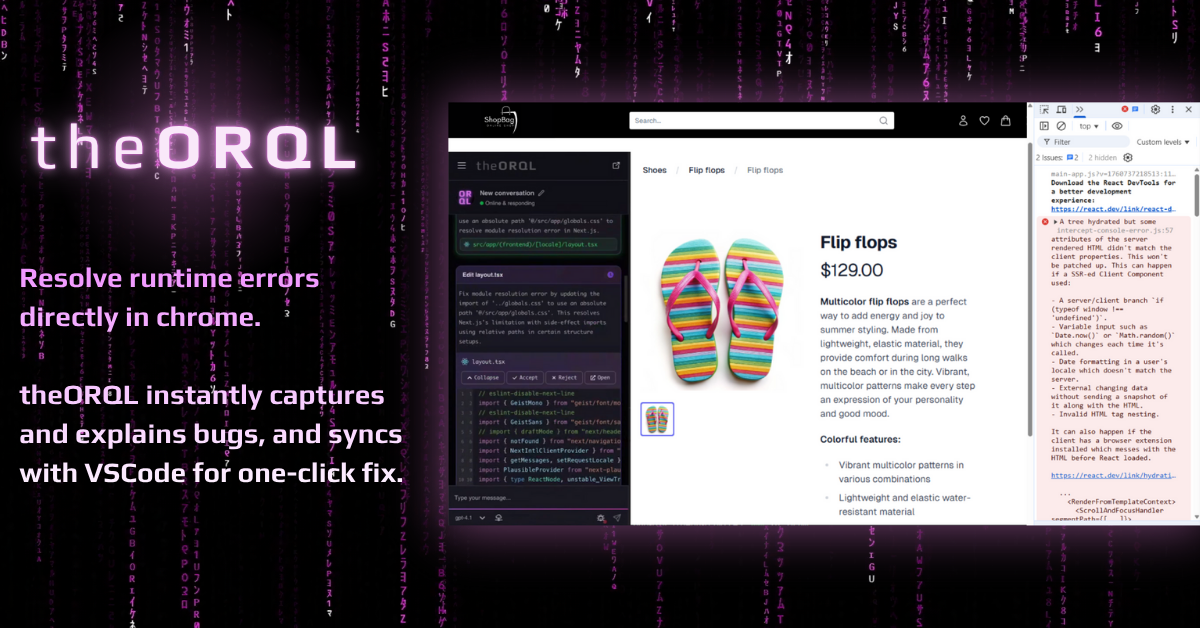
The Future of Frontend Debugging: A Technical Analysis of theORQL's Runtime Error Management
An in-depth technical whitepaper on how theORQL's dual-interface approach connects VS Code with both Chrome runtime and deployment platforms like Vercel, Netlify, and GitHub Pages, eliminates console.log hunting and DevTools reliance, and routes analysis to self-hosted open-source models on theORQL’s own infrastructure.

React DevTools vs theORQL: Inspecting vs Fixing Runtime Bugs
React DevTools helps you inspect your component tree. theORQL captures runtime errors across Chrome, Vercel, Netlify, and GitHub Actions, explains root cause, and syncs validated fixes to VS Code so you spend less time hunting and more time shipping.
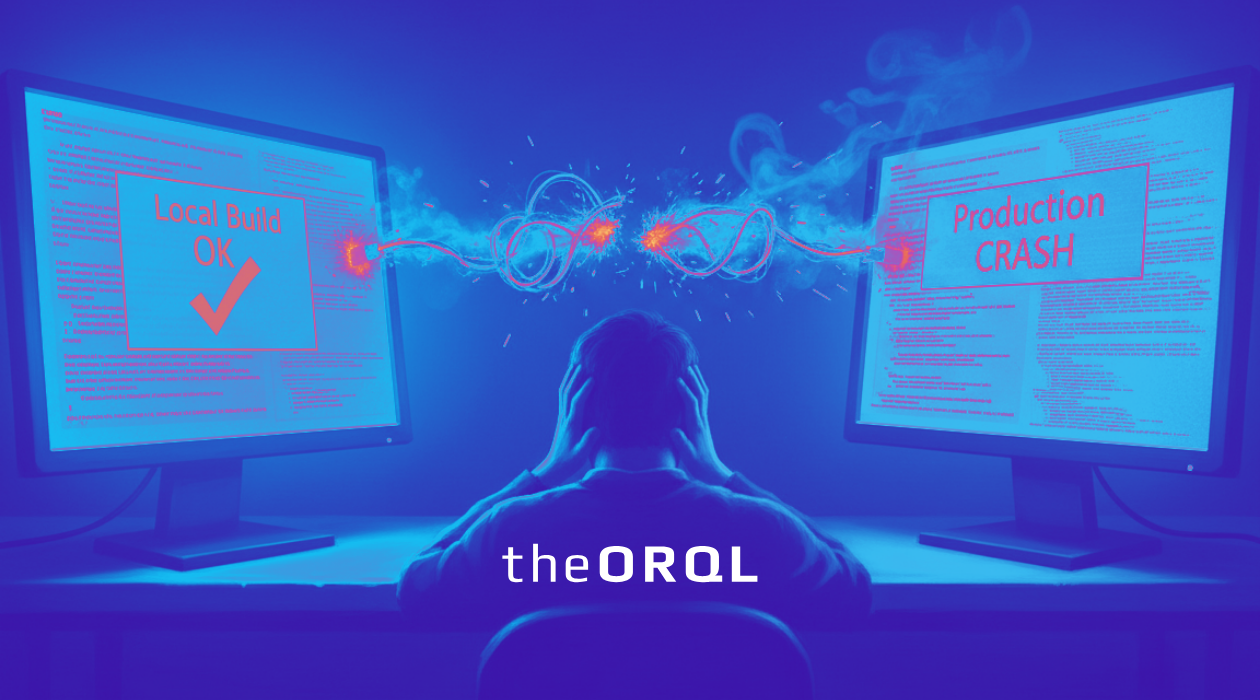
Why Your React App Crashes in Production but Works Locally — 7 Real Causes & Fixes
Your React app works perfectly locally but crashes in production. Discover the 7 most common causes and practical fixes to make your applications more robust.
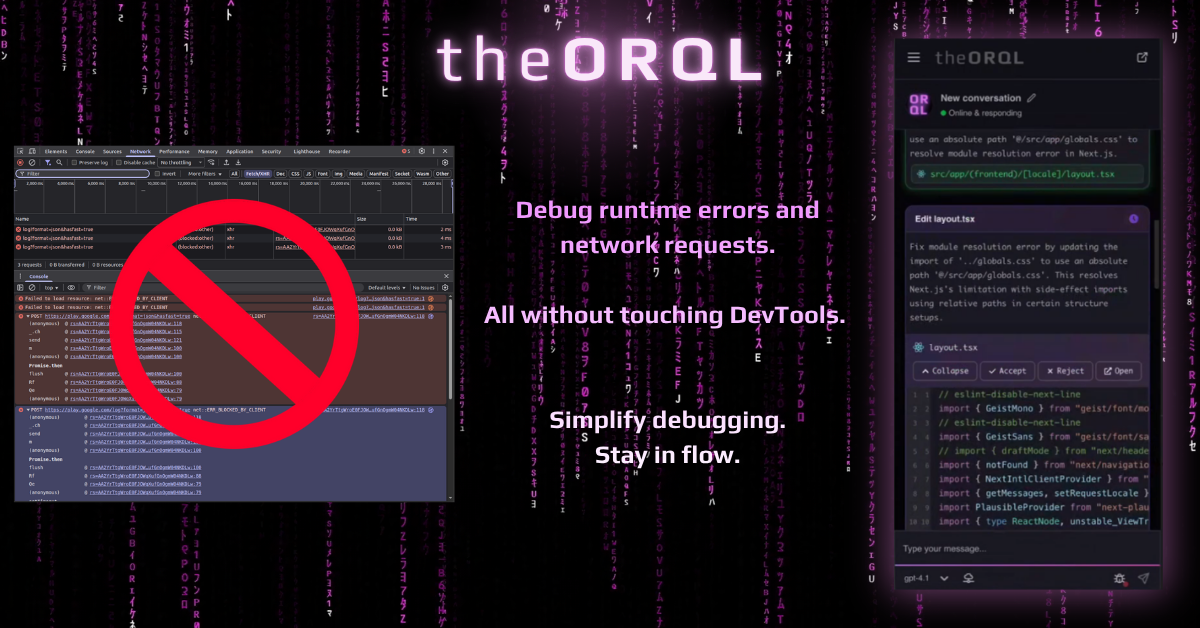
Top 5 Tips: DevTools Sources Tab
Master the Sources tab in Chrome DevTools with these five essential debugging tricks to help you fix bugs faster, even if you're just starting out.
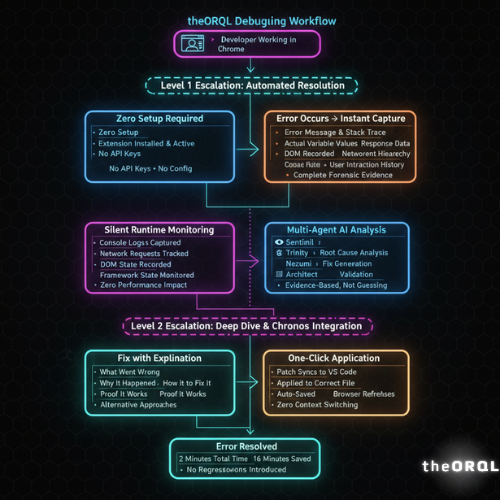
How theORQL Works: Runtime-Aware AI Debugging in 7 Steps
From error to fix in 2 minutes. Learn how theORQL bridges Chrome and VS Code with runtime context to deliver accurate AI debugging that actually works.

Stay in Flow: How theORQL Eliminates Context Switching in Runtime Debugging
Developers lose 23 minutes every context switch. theORQL captures runtime errors in Chrome, explains them instantly, and applies fixes in VS Code—no console.logs or DevTools required, powered by self-hosted open-source models on theORQL’s own infrastructure.
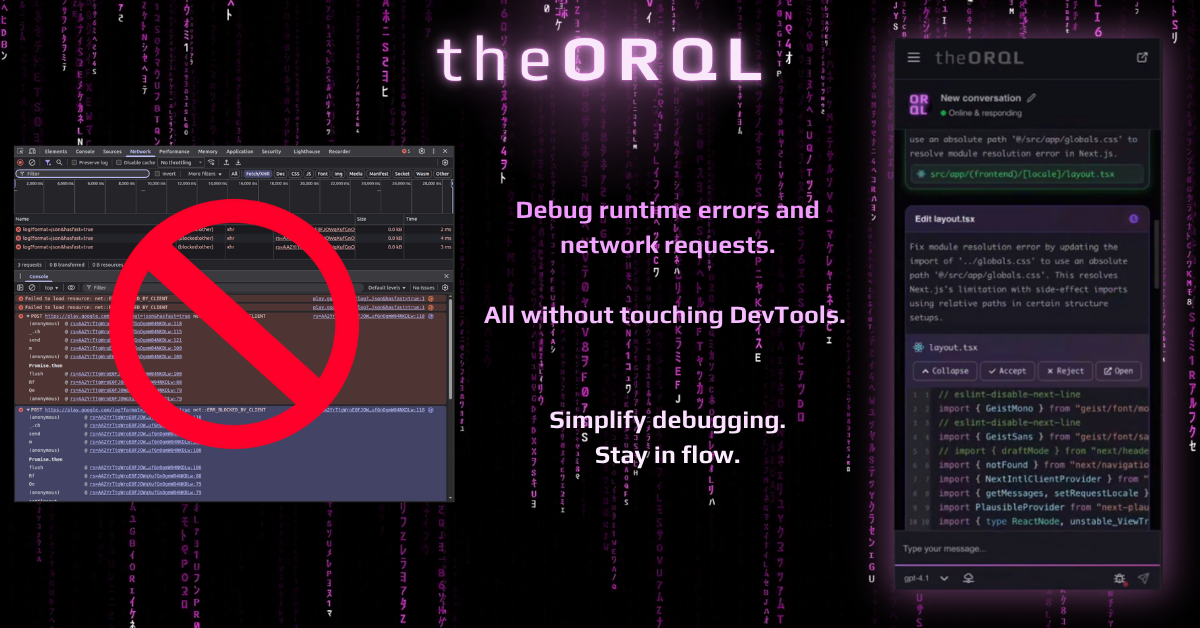
Top 5 Tips: DevTools Network Tab
Master the Network tab in Chrome DevTools with these five essential tricks for debugging APIs and chasing down performance issues.

Code Performance Estimator for Faster Apps
Optimize your development with AI code analysis tools that identify performance bottlenecks before they impact your users. Learn how to analyze code efficiency and improve app speed.

Slow Test Resolution? Try Multi-Agent AI Debugging Systems
Multi-agent AI debugging systems tackle slow test resolution by deploying specialized agents that work in parallel. Learn how automated debugging with AI can transform your testing workflow and reduce debugging time by up to 80%.

Beyond console.log: 5 Dev Tools Console Tips That Reduce Debugging Time
Master the Dev Tools Console with these 5 essential tips to dramatically reduce debugging time and move beyond basic console.log debugging.

Code Complexity Calculator for Smarter Coding
Analyze code complexity with AI-powered tools that evaluate cyclomatic complexity, nesting depth, and maintainability. Learn how static code analysis can help you write cleaner, more efficient code.